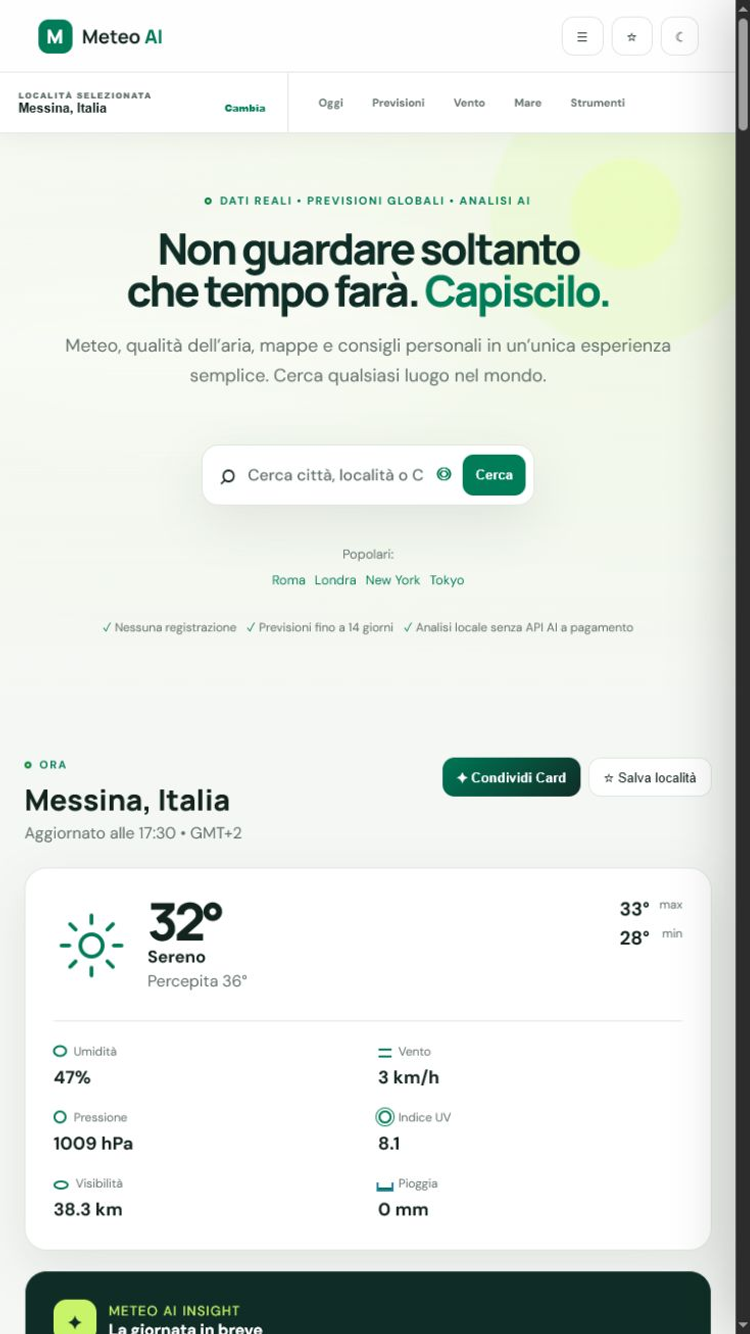
 Meteo AI
Open Meteo AI directly without searching for it in your browser.
FREE • NO ACCOUNT • ALWAYS WITH YOU
Bring Meteo AI
Bring Meteo AI
to your Home screen.
There is nothing to download from an app store. Install the website like a regular app and open it with one tap.
The button will use the method available on your device.A cleaner, app-like interface on phone and computer.
Favourites and settings stay on your device, with no registration.
Instructions
Choose your device
If your browser shows a prompt, select “Install”. Otherwise follow these steps.
Chrome su Android
- Open Meteo AI in Chrome.
- Tap the menu ⋮ at the top right.
- Scegli Install app o Add to Home screen.
- Confirm with Install.
Safari su iOS e iPadOS
- Open Meteo AI in Safari.
- Tap the button Share (square with an upward arrow).
- Scroll and select Add to Home Screen.
- Tocca Aggiungi.
On iPhone the automatic button is unavailable; these are Apple’s supported steps.
Chrome o Edge
- Open Meteo AI in your browser.
- Click the install icon in the address bar or open the menu.
- Scegli Install Meteo AI.
- Confirm; it will appear among your applications.
READY IN SECONDS
The weather you need, one tap away.
Installation is free and you can remove the app at any time.